CYDs & ESP32 C3 Super Mini
All three of these devices are powered by an ESP32.
📷 Show photo
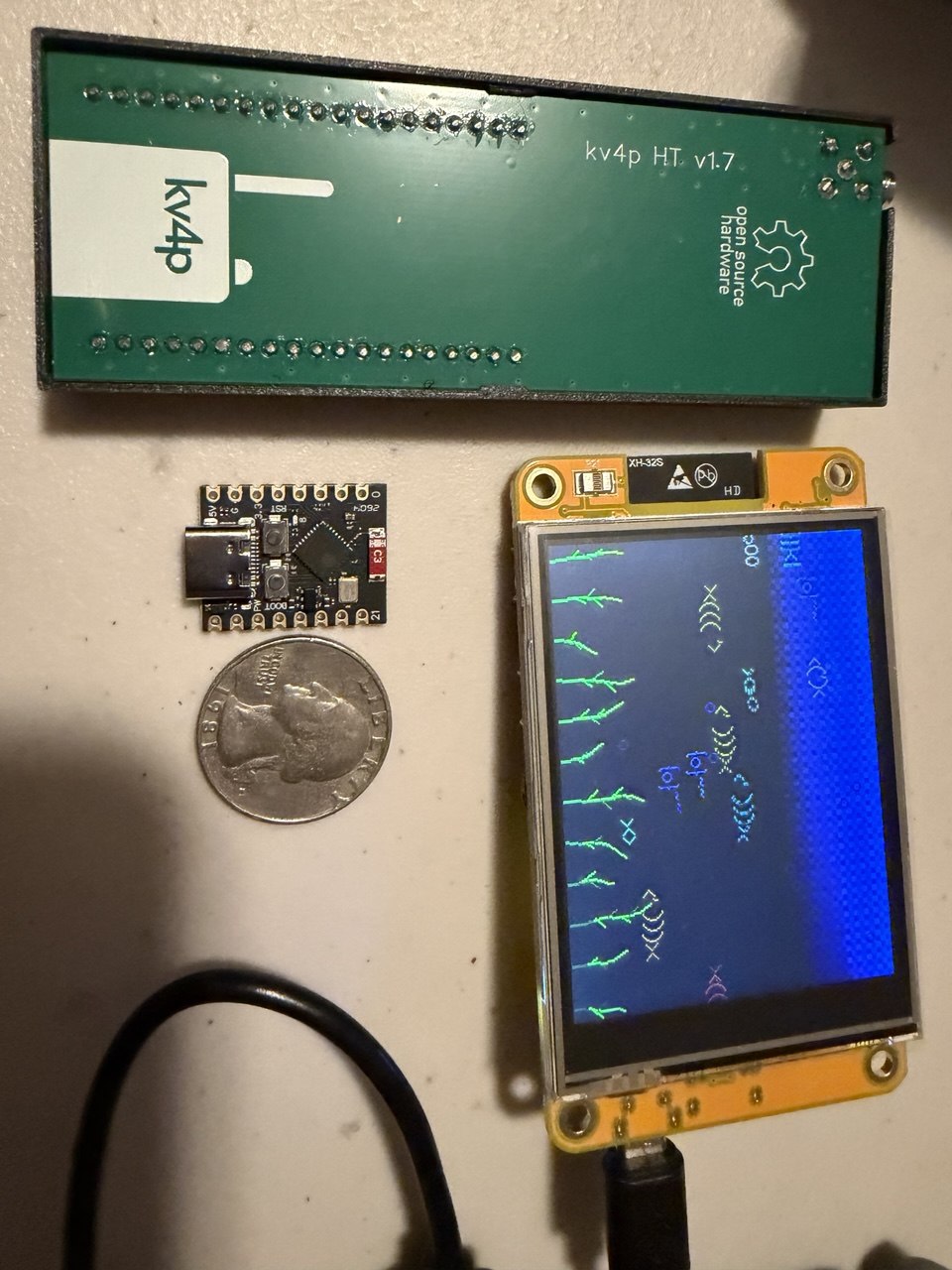
The ESP32 is smaller than a quarter!
📷 Show photo
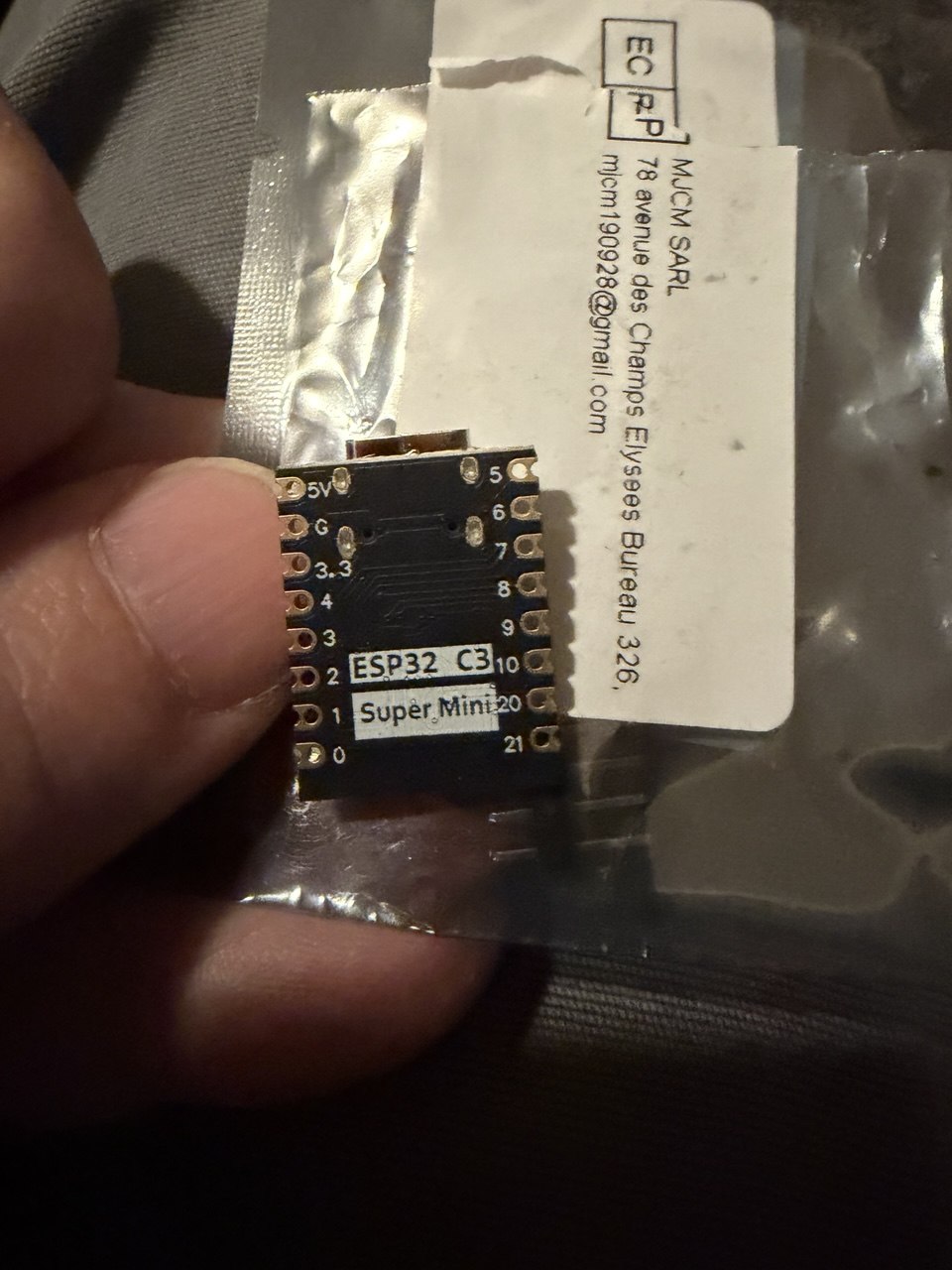
Here's a quick walk through of what Aaron taught me:
The ESP32 C3 Super Mini is a tiny, affordable microcontroller board based on the ESP32-C3, a RISC-V single-core chip with Wi-Fi and Bluetooth built in.
Flashing MicroPython
Flash the MicroPython firmware using esptool:
esptool write_flash -z 0x0 ESP32_GENERIC_C3-20260406-v1.28.0.bin
Sample output:
Warning: Deprecated: Command 'write_flash' is deprecated. Use 'write-flash' instead.
esptool v5.3.0
Connected to ESP32-C3 on /dev/ttyACM0:
Chip type:          ESP32-C3 (QFN32) (revision v0.4)
Features:           Wi-Fi, BT 5 (LE), Single Core, 160MHz, Embedded Flash 4MB (XMC)
Crystal frequency:  40MHz
USB mode:           USB-Serial/JTAG
MAC:                e8:3d:c1:8b:ac:84

Stub flasher running.

Configuring flash size...
Flash will be erased from 0x00000000 to 0x001a5fff...
Wrote 1725008 bytes (1035498 compressed) at 0x00000000 in 4.4 seconds (3126.9 kbit/s).
Hash of data verified.

Hard resetting via RTS pin...
Connecting via Serial REPL
Once flashed, connect to the board's REPL over serial:
python3 -m serial.tools.miniterm /dev/ttyACM0 115200
Press Ctrl+] to exit miniterm.
Sample session (that is silly because it is so simple):
--- Miniterm on /dev/ttyACM0  115200,8,N,1 ---
--- Quit: Ctrl+] | Menu: Ctrl+T | Help: Ctrl+T followed by Ctrl+H ---
4*5
20
>>> a␛[␛[K
>>> 2*3
6
>>> a=['a','b','c']
>>> a
['a', 'b', 'c']
>>>
CYD - Cheap Yellow Display
The CYD can range in price between $5 and $25. In 2024 Reddit pointed to BuyDisplay.com as a place to find places to buy. I'm lazy and paid $17 for mine about a year ago on Amazon.com.
📷 Show photo
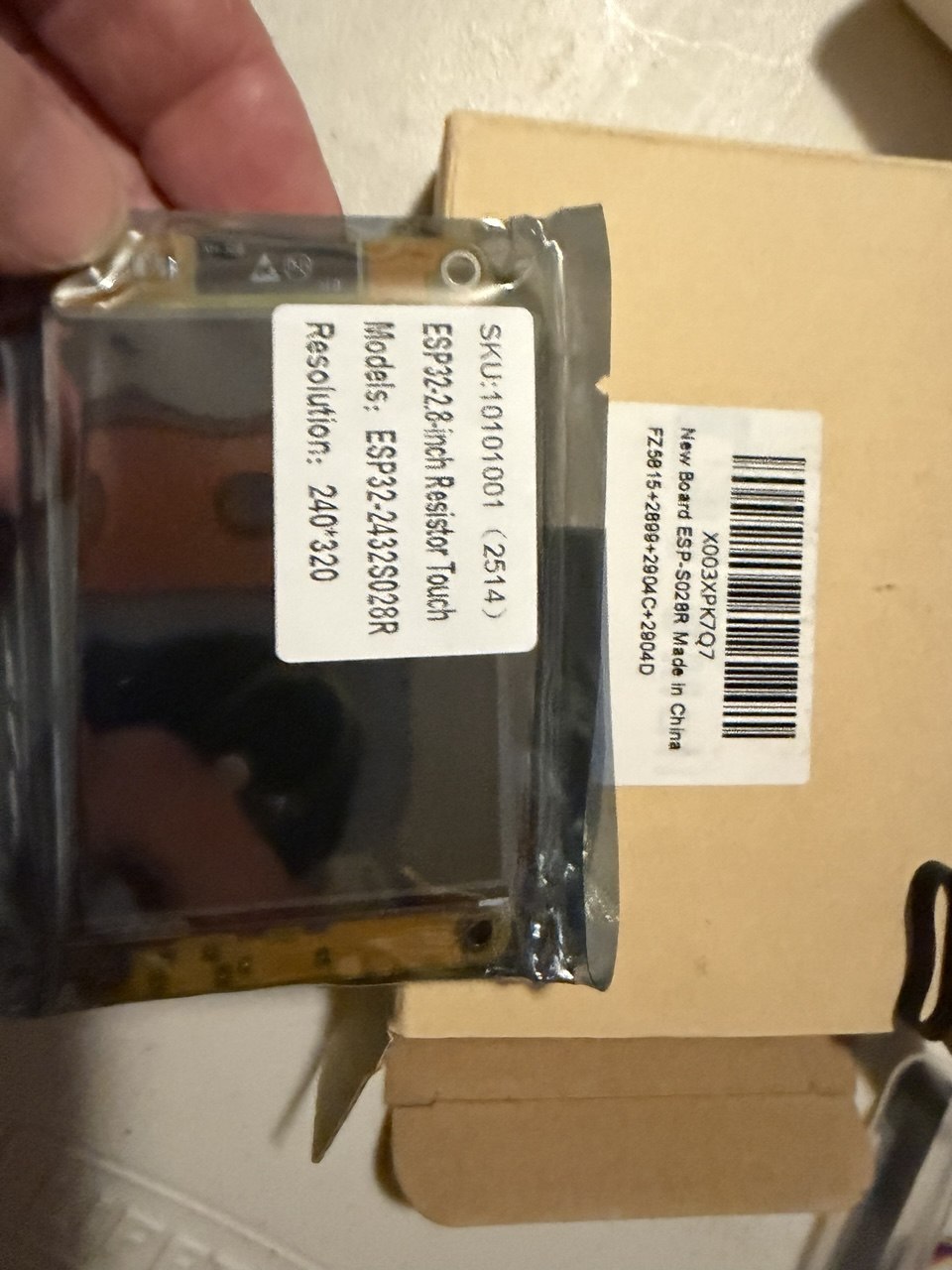
Tonight (17 June 2026) flashed micropython to a CYD and loaded a clock program that uses WiFi to connect to an NTP server:
python -m venv ./venv source venv/bin/activate pip install esptool esptool chip-id
https://micropython.org/download/ESP32_GENERIC/
esptool.py --port /dev/ttyUSB0 --baud 460800 write_flash 0x1000 ESP32_GENERIC-20260406-v1.28.0.bin
python3 -m serial.tools.miniterm /dev/ttyUSB0 115200
We have a REPL!
Those commands are from https://micropython.org/download/ESP32_GENERIC/ and some claude. IOU a badly written blog post. This is that post. One day it might get better and will hopefully turn into a workshop people can play through.
git clone https://github.com/payne/cyd17June2026.git
This needs an .env file that is not in the repo:
WIFI_SSID=your wifi
WIFI_PASSWORD=its password
pip install mpremotempremote connect /dev/ttyUSB0 cp ili9341.py :ili9341.py# for fontsmpremote connect /dev/ttyUSB0 cp clock.py :clock.py# our clock programmpremote connect /dev/ttyUSB0 cp .env :.envmpremote connect /dev/ttyUSB0 run clock.py
📷 Show photo

Tags: esp32, learning, electronics, fun
← Back home